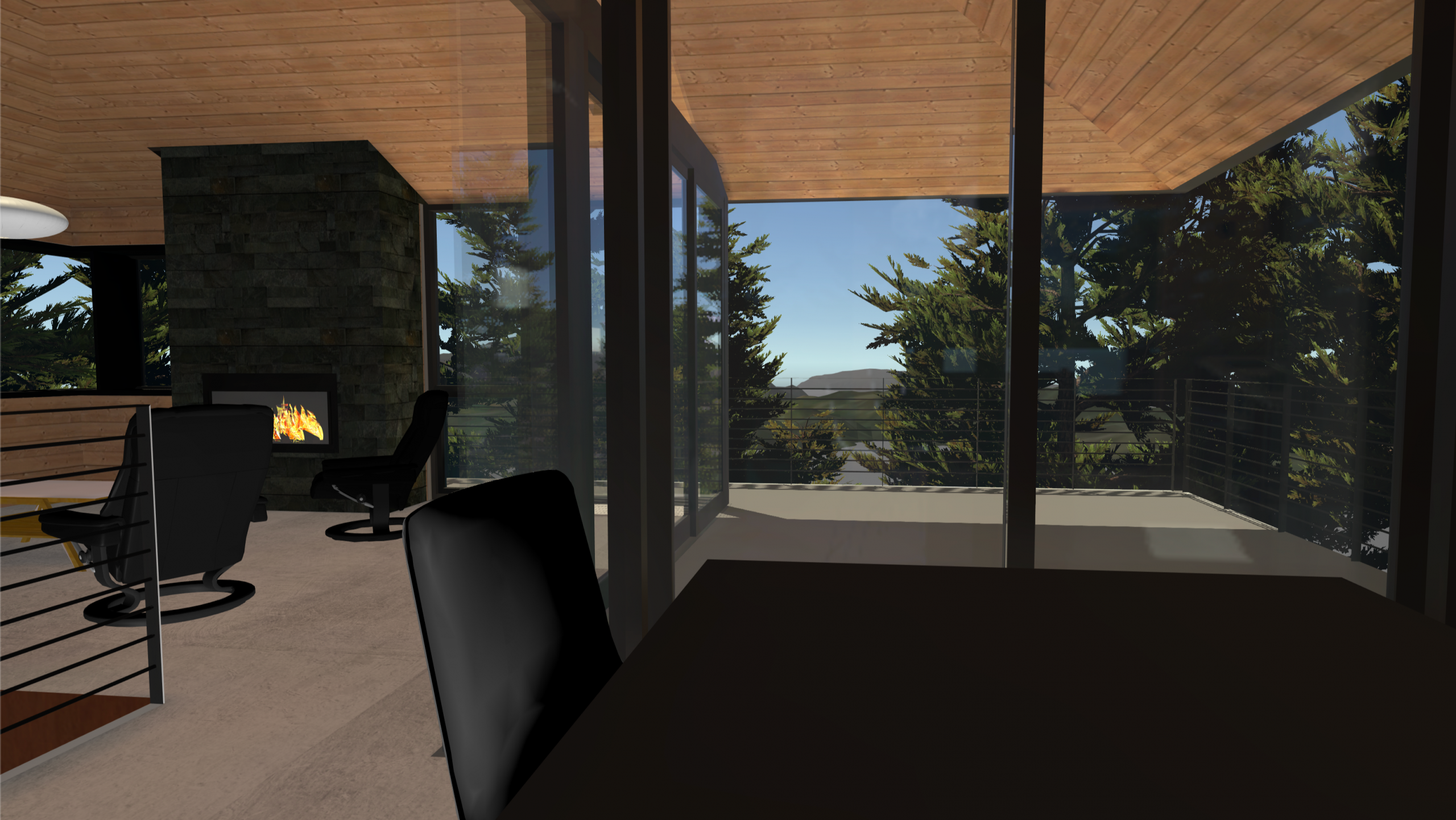
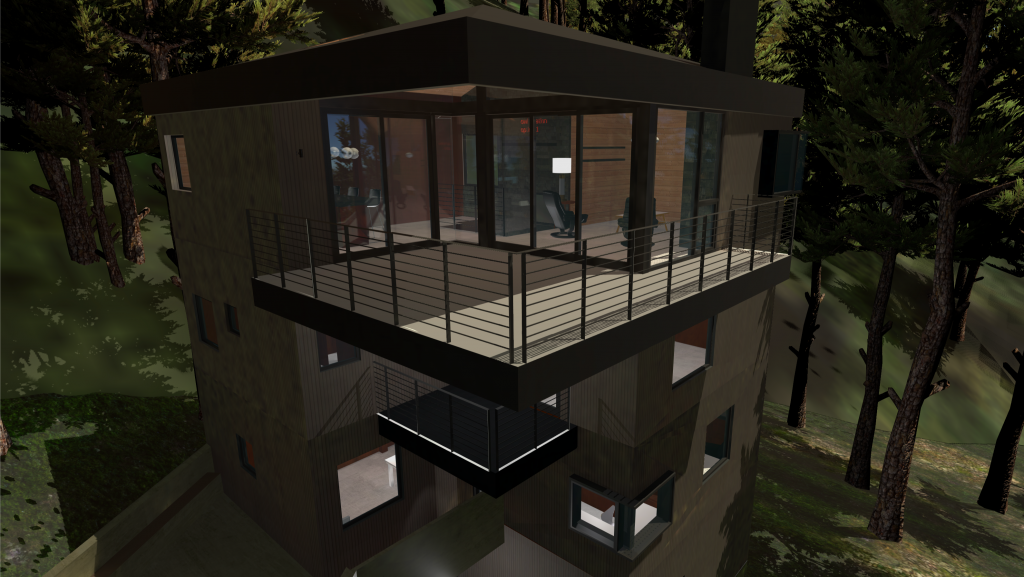
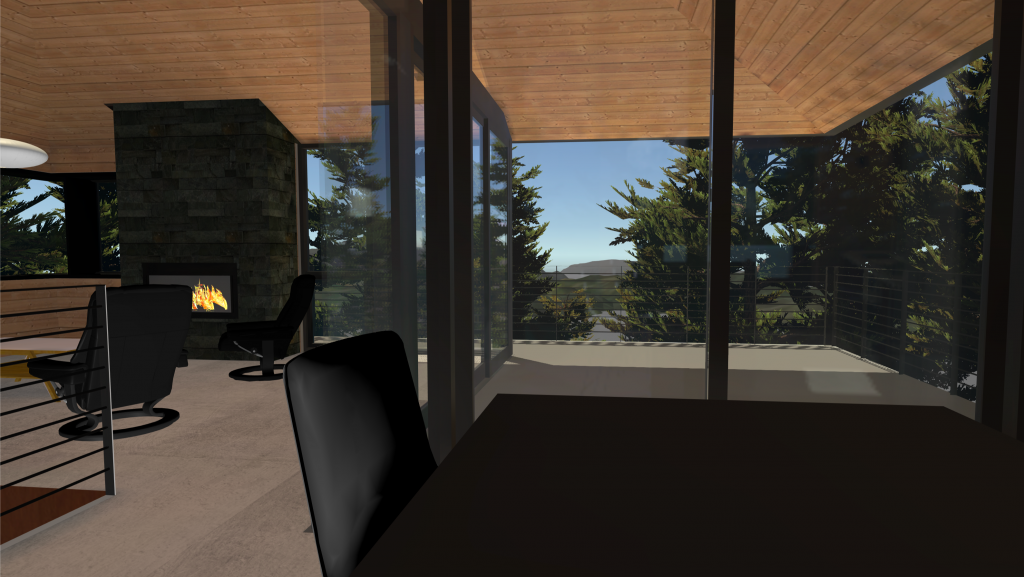
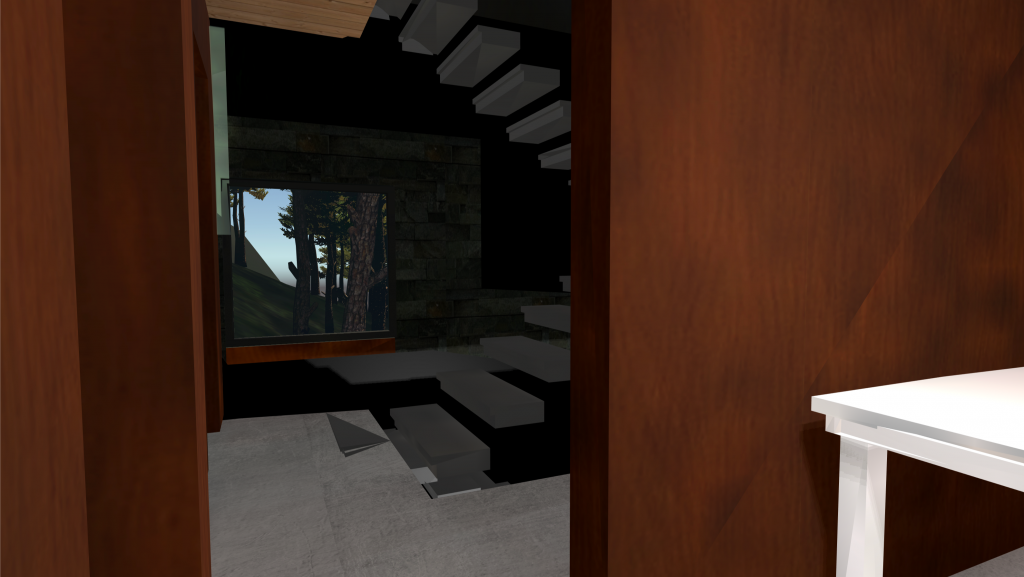
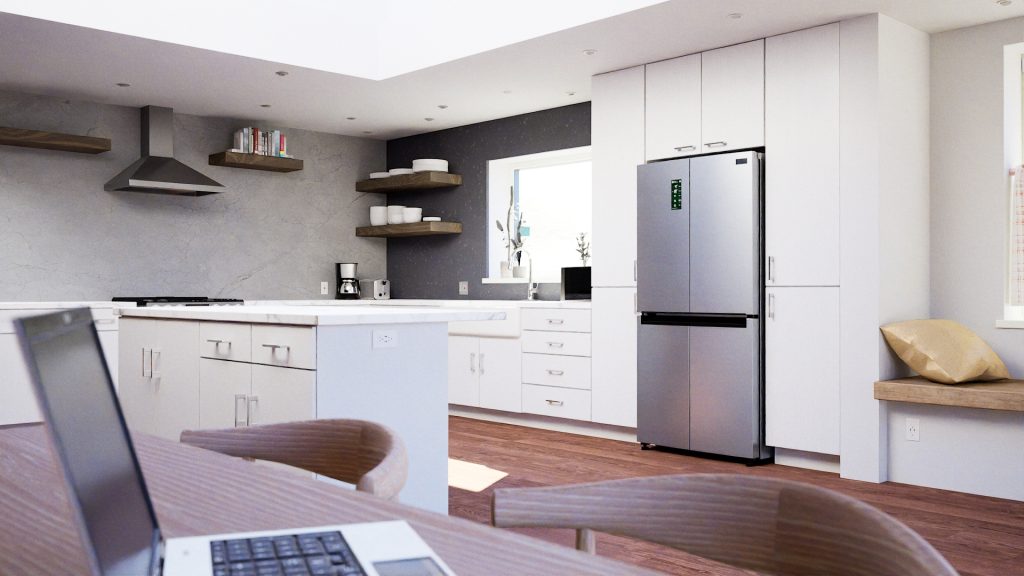
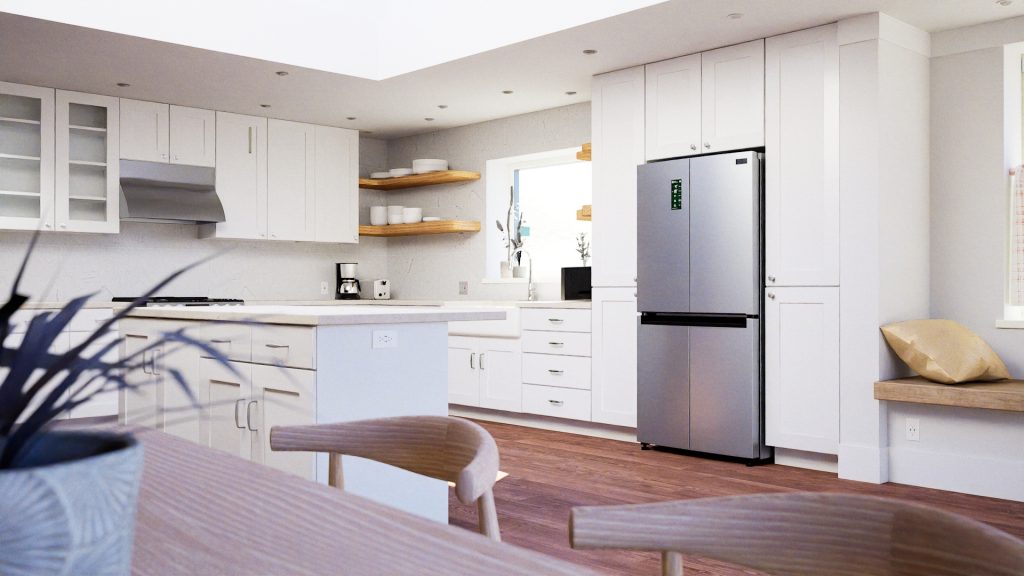
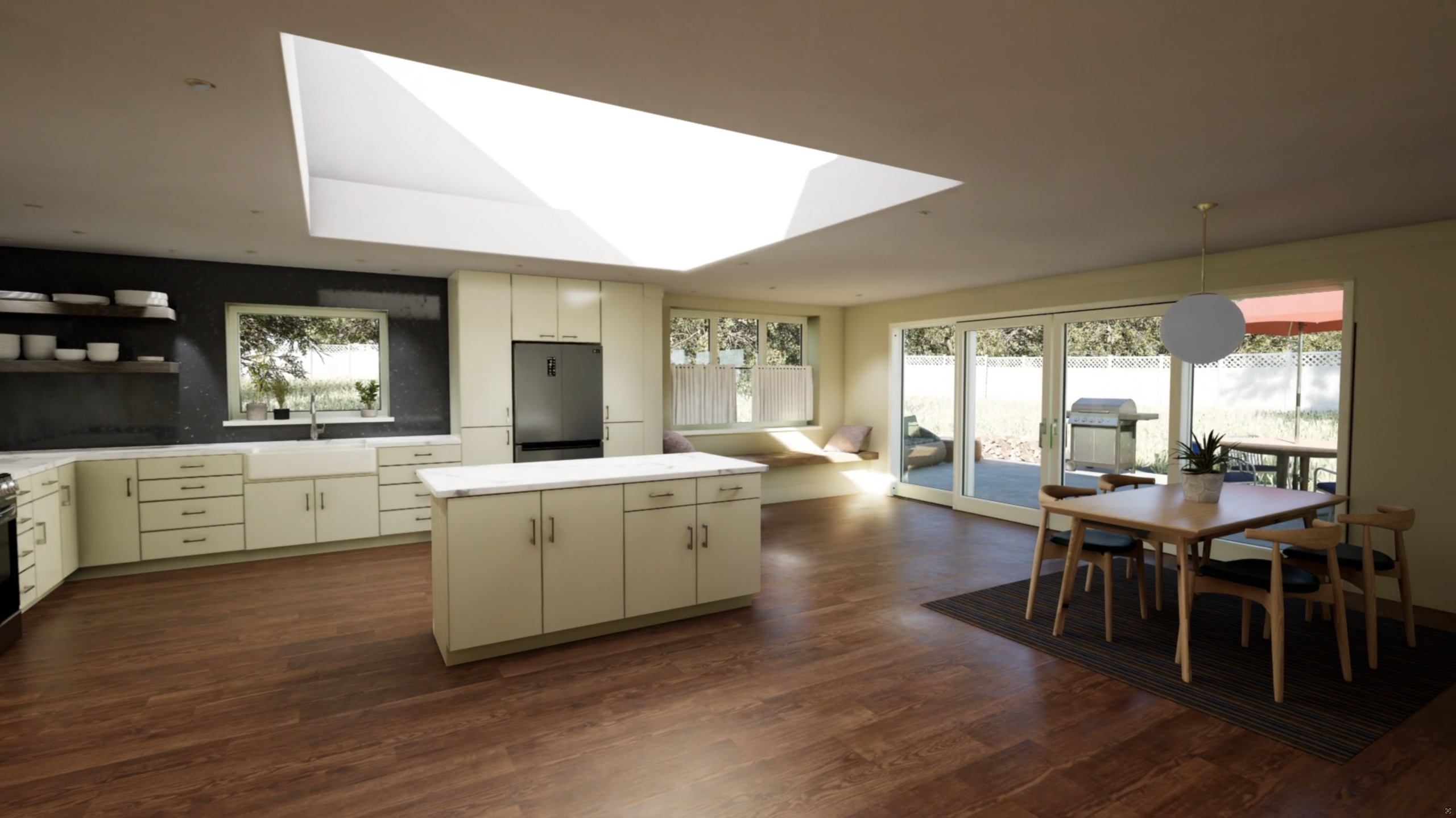
My visualizations for Architecture and Interior Design communicate your creations to your clients and the public at every phase of construction – from site selection to door knobs.
Architectural and Interior Design visualizations are built at scale from your Revit, SketchUp or CAD files. I can work with your workflow, whatever it may be.
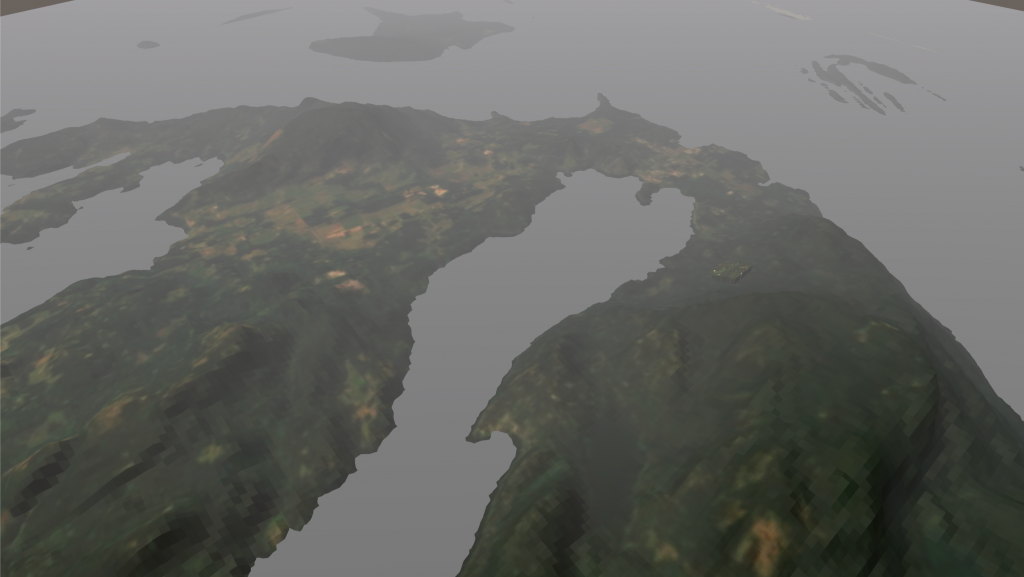
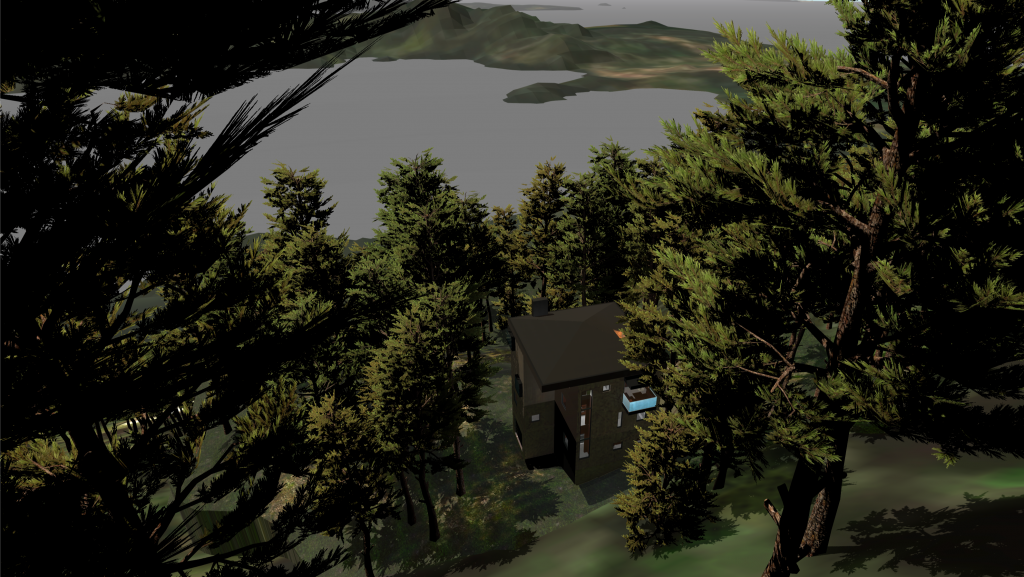
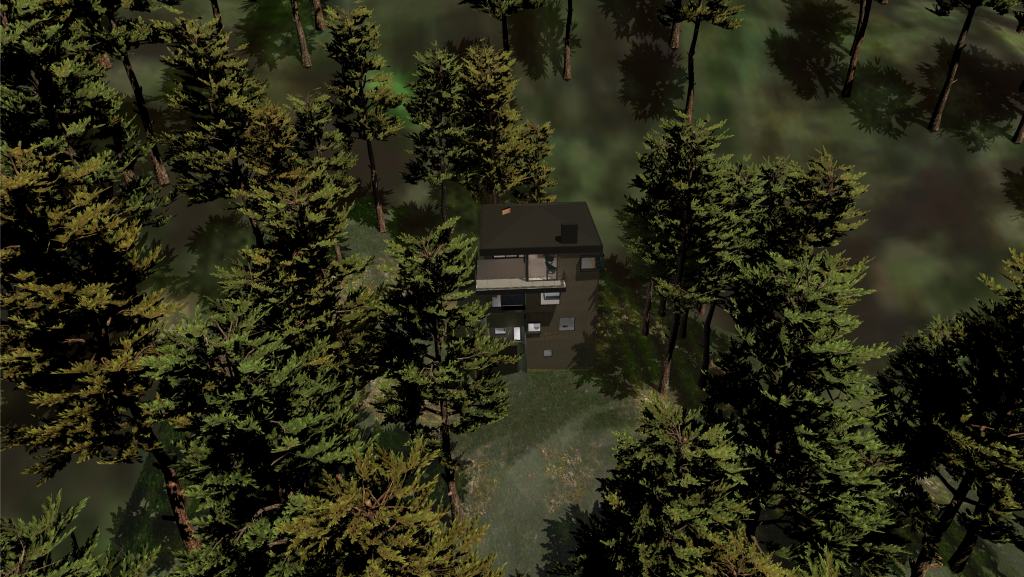
Present your work in context with exact GPS coordinates, adjacent structures and accurate lighting for any time of any day.
Every projects starts in TwinMotion. This is where your projects files are converted to a format that can be rendered, finishes are assigned to all of the elements and lighting is set up. Your team can quickly iterate the look and any options you may have with the design.
Create images and videos for your website, basic walkthroughs and full presentations to communicate the projects options and goals.
When your project needs a bespoke solution, it moves into Unreal Engine to create interactive presentations, AR applications, and film-quality movie renders.
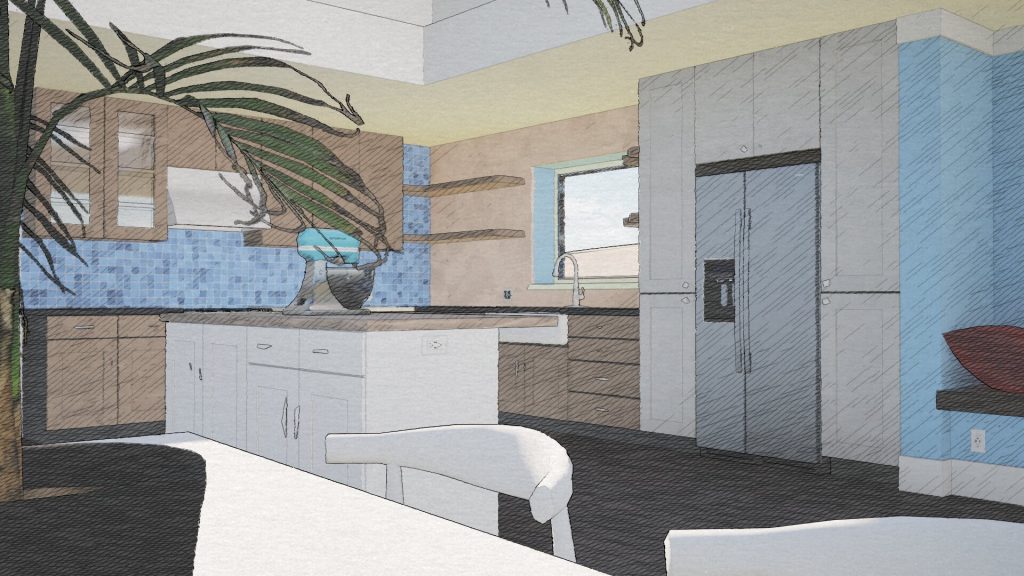
Show your work in context, but only show clients what’s appropriate for the current phase of work. Keep the details sparse with sketch-inspired renders while you’re exploring, and see finishes and fabrics with photorealistic images when it’s time to focus on the details.
The reality is that Virtual Production is still Production. You may spend less days filming on location, but you still need to create those locations both virtually and practically. You still need skilled crew, talent, creatives, and crafty.
On your production, VP might simply be tracking and capturing camera data for post VFX. Or tracking plus a single LED panel outside the window so the actors can open the curtains while on a stage. Or maybe it’s massive virtual sets and locations on a massive LED capture volume.
Let’s take a look at your breakdown to see how VP might be right for you.
I can help you find the places where VP might make sense for your production, plus create and execute a production plan that will have all of your colleagues asking how you possibly captured that image on that budget.
How MIght VP be RELEVANT to your Production?
Does your script breakdown include any of the following?
Scenes Inside a Moving Vehicle
Dialogue Close-Ups at Expensive Locations
Set Extensions
Views Outside Windows
Virtual Creatures or other Composited Elements
Locations that don’t exist in the physical world
Your Talent standing in front of a massive LED wall while graphics play behind and around them
Full CG animation
Do you have expensive locations that may need pick-ups?
Plan ahead to re-create filmed sets and locations for virtual pickups that intercut seamlessly with production footage.
Previz
Techviz
4 flavors of VP
To suit the needs of any given production or sequence there are four main flavors of VP.
1. Soundstage – Location – Full CG
Add camera tracking to your camera package to preview creatures and set extensions in-monitor during filming on any location or stage.
For fully CG content film on a soundstage with practical camera equipment and crew. Scale your CG world, animate the characters anyway you want, but film them with a human crew using practical cameras.
Capture camera and set data for use in post VFX.
2. Green Screen
Film on the same chroma stage you always do, but add camera tracking!
Preview lineups for virtual sets and characters in-monitor with Real Time Compositing on a Chroma stage.
Capture camera and set data for use in post VFX.
Film in-camera VFX to final pixel with real time compositing when lighting and reflections aren’t crucial.
3. Reflections and Lighting on LED Volume
Do you need to capture reflective elements on your talent, but don’t want to commit to capturing final pixel in camera? Capture on an LED stage with rough CG elements! Get lighting and reflections on your actors, then comp in a traditional post workflow.
Capture camera and set data for use in post VFX.
4. Final Pixel In-Camera VFX on LED Volume
Jump into the void and capture final pixel in-camera VFX on an LED tracking volume. This is a commitment.
This process must start during your script breakdown to have any chance of being successful.
To capture final pixel in-camera VFX a production must allow – in pre-production – as much time to create the assets needed for filming as they would traditionally schedule for the assets to be created in post, plus time for them to be tested on the volume with the production cameras.
Previz
Techviz
Real Time Compositing
LED Stage Environment Types
The images on an LED stage should be the ones best suited to the sequence you’re filming. There is no one best option. From stills and video to 3D representations of real and imagined environments, choose the right tool for your goals.
2D Still
The most cost effective option to create in-camera visual effects, 2D still images are a good option for stills photography, especially tabletop images of smaller objects.
2D Stills are not a good option if they will be prominent in frame or if parallax is needed in the background.
360 Video
360º video is a great tool to create seamless driving dialogue sequences. Free the camera from the hood mount to follow the story inside, outside, and around the vehicles as the characters drive.
2D video, including 360º video is not able to create parallax and might best be thought of as the evolution of rear-projection processes.
3D Environment
Unleash the full power of an LED tracking volume with a fully immersive 3D environment presented in Unreal Engine. Adjust virtual props and lighting in the environment during production.
3D Environments are the most expensive option. Price varies widely from kit-bashed to bespoke.
Photorealistic full 3D real time environments can take vast amounts of time and resources, while simpler styles can have quite nimble timelines and budgets.
Unreal Real Time Environment
VP Workflows
VP workflows shuffle work that would traditionally happen in POST up to PRE. Consider your virtual environments the same way you consider physical locations and sets. In some workflows final VFX assets must be completed before principal filming can begin.
If your production plans to capture final pixels in camera, be sure to start your VP plan even before the breakdown of your project. Let’s chat!
LED Final Pixel
LED Reflections
Green or Full CG
Traditional Post VFX
Practical NO VFX
SCRIPT BREAKDOWN
VISUAL DESIGN
VFX METHODOLOGY PLAN
STORYBOARD
PREVIZ
STAGEVIZ
PRACTICAL ASSET CREATION
TECHVIZ
FINAL ASSETS
VP TESTS
Set Assembly and Dressing
FILMING
FINAL ASSETS
VFX INTEGRATION
EDITING
DISTRIBUTION
STORYBOARD – Explore visual language for project in an fast, iterative process using 2D images
PREVIZ – Determine motion and editorial language of project with basic 3D models and animation
STAGEVIZ – Plan the connections of virtual environments and practical sets
TECHVIZ – Create a plan to ensure the previz camera moves can be filmed within the restrictions of your production equipment and stage
FINAL ASSETS – The screen-ready assets needed to create the final-pixel VFX.
VP TESTS – Testing the Virtual and Practical set elements to be sure that they are performant and workable on stage.
VFX INTEGRATION – Traditional post integration of VFX with filmed elements, including compositing, rendering, camera tracking, rotoscope.
Pre-rendered movies and stills for contractors and architects create ultra realistic representations of new construction and renovations – allowing you to experiment with physical spaces before they’re built.
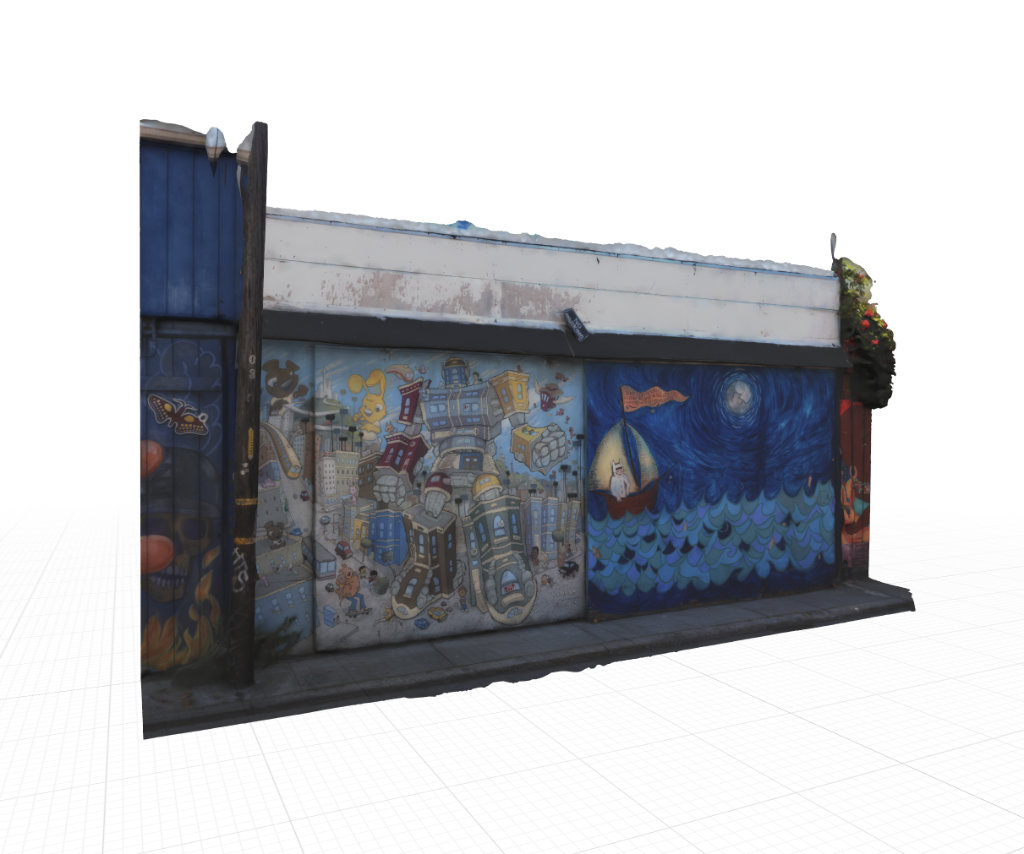
These two panels from Balmy Alley are a test of large-scale models using normal maps for detail on a low poly-count model. This original model was a modest 400,000, but the lo-poly is 40,000.
This is just one garage with two murals in an alley filled with murals (in a neighborhood filled with murals).
Find out more about the alley and it’s artwork:
Victorion, el Defense de La Mission – Sirron Norris – sirronnorris.com
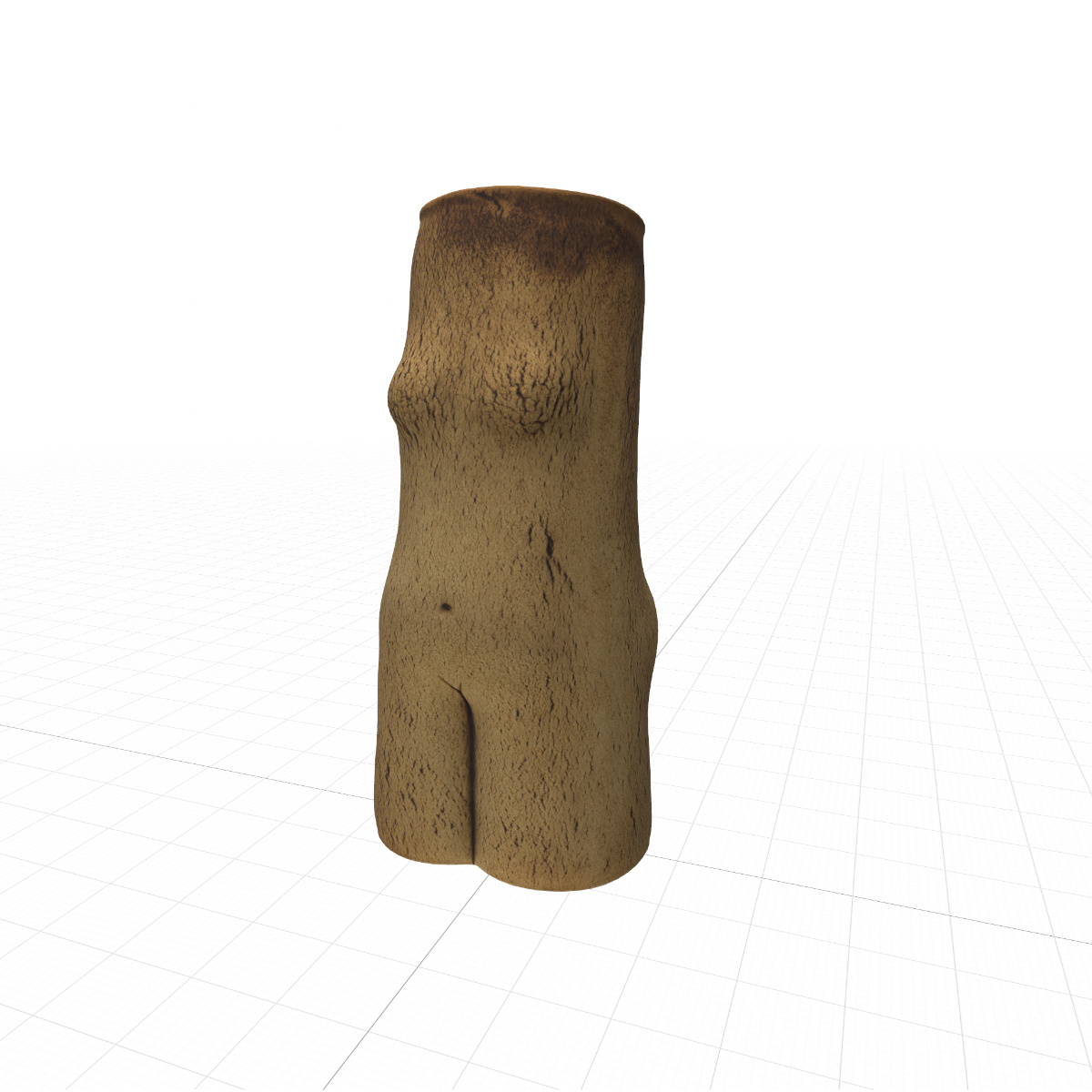
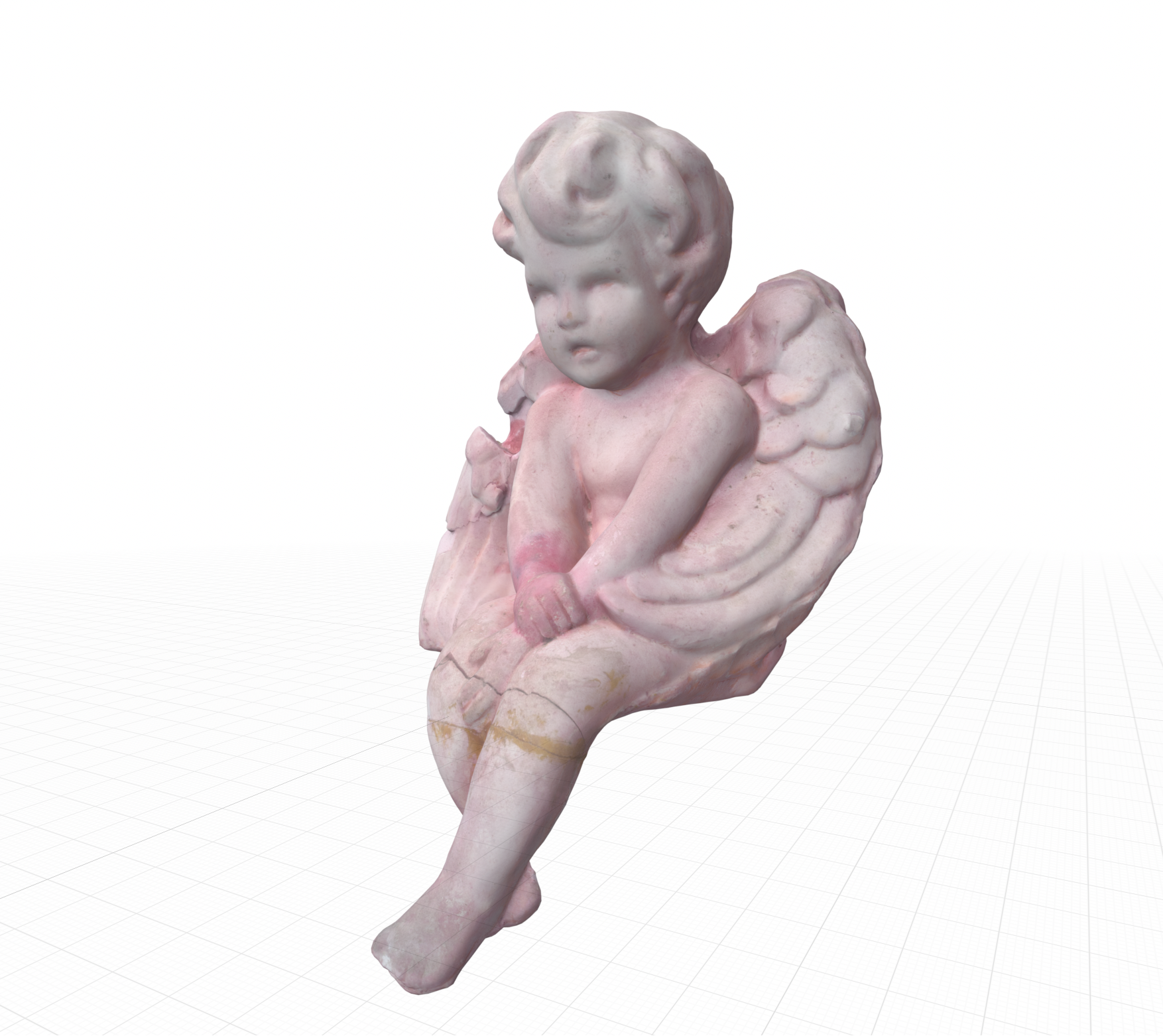
Photogrammetry model of a cast plaster cherub that was found sitting on a street light in the early 90’s. The plaster is pink, and has faded un-evenly over the years.
Once again available on Amazon video, “All the Others Were Practice” is now available FREE to Amazon Prime members. And, if you don’t have a Prime membership, it’s available for just 99¢ to RENT or BUY.
Plus, “All the Others Were Practice” is still available to RENT or BUY for as low as 99¢ on iTunes and vimeo.
Join Jôrge on his quest for the one guy who doesn’t want to set him free. Now on your favorite streaming platforms.